Web Applications
Custom Web Application vs SaaS: What’s the Difference?
Compare ready-made subscriptions with custom software through workflow fit, integrations, data portability, cost, and operational responsibility.
YAVEX Technologies · Published · Updated · 2 min read
Topics: SaaS · Custom software · Ownership
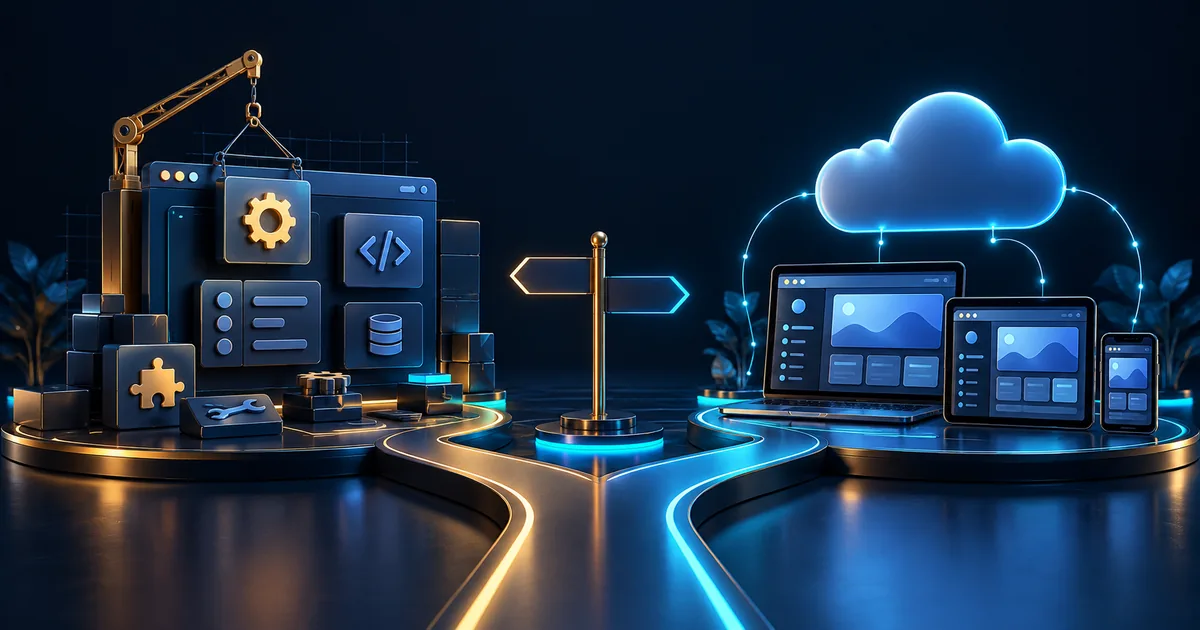
Understand what you are buying
SaaS gives access to a vendor-operated product, usually with subscription terms and defined features. Custom development builds around an agreed specification and introduces responsibility for operating and maintaining that software. Neither model removes the need to define your workflow.
A hybrid can be sensible: use an existing CRM or booking platform and build a public site or integration around it. Custom code should solve a documented gap, not duplicate every feature of a mature product.
Test the tasks your team actually performs
Use representative records and users during a trial. Check permissions, exports, reports, provider integrations, and awkward exceptions. A product that handles the main workflow with modest configuration may be more practical than a custom build.
| Question | SaaS check | Custom development check |
|---|---|---|
| Workflow | Can configuration meet the required process? | Are rules and exceptions fully specified? |
| Data | What exports and portability are available? | Who owns schema, backups, and migration? |
| Integration | Which APIs and plan limits apply? | Who implements and maintains connections? |
| Cost | Seats, upgrades, add-ons, migration | Build, hosting, maintenance, support |
| Continuity | Vendor terms and product changes | Supplier handover and operational capacity |
Compare control with responsibility
Custom software can provide more control over the agreed interface and workflow, but upgrades, security fixes, hosting, and incidents still need owners. SaaS can reduce some operational burden, but access, vendor changes, and export limitations remain business considerations.
Do not assume “custom” means unlimited flexibility at no future cost. Every added workflow needs design, implementation, testing, and maintenance.
Make the choice with a small proof
Trial a candidate product against an agreed checklist. If the gaps are material, prototype the custom workflow and estimate its full operation. Record the reasons for the decision and plan how data can be exported if the approach changes.
For CRM and school ERP, migration and staff adoption often matter as much as interface design. Compare the software cost guide before committing to either model.
Questions Before You Start
Can SaaS and custom software work together?
Yes, through documented provider APIs or agreed exports. Confirm access, usage limits, failure handling, and ongoing integration ownership.
Is custom software a one-time expense?
No. The build fee is separate from the ongoing work required to operate, update, and support the system.
Related Services and Project Planning
Continue Reading
Turn This Guide into a Project Brief
Share your page list or workflow, available content, integrations, and timeline. We confirm the scope and assumptions before quoting.
Discuss Your Requirements